Choose a product
Browse boxes, bottles, pouches, apparel, cups, jars, prints, and other branded supplies.
How it works
The app stays simple even though the product catalog is deep. This page explains the path from product choice to production quote.
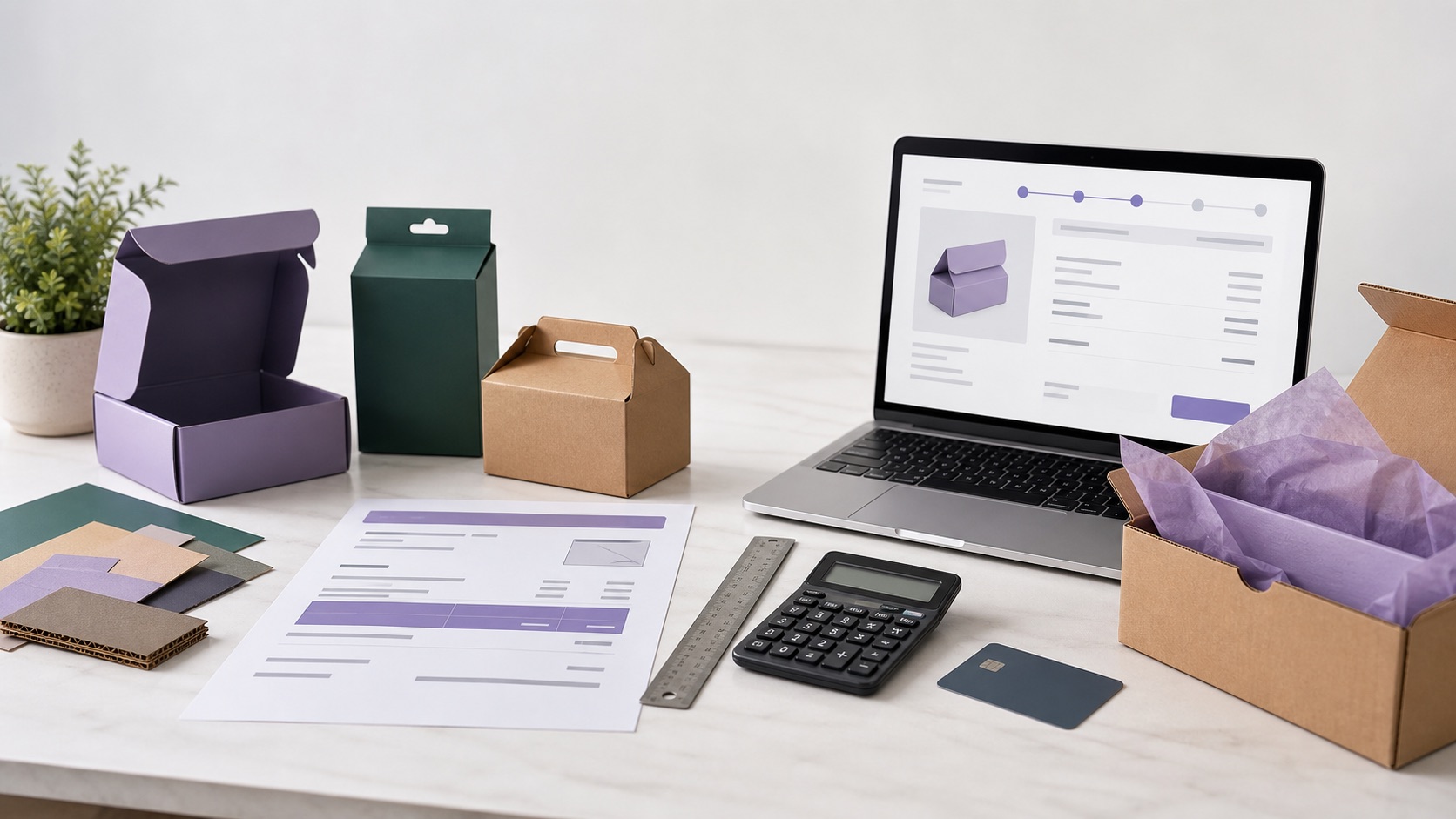
The workflow
Every step links back to catalog, configurator, save design, quote cart, and quote messages.
Browse boxes, bottles, pouches, apparel, cups, jars, prints, and other branded supplies.
Open the live editor, rotate the model, upload artwork, and see the design on the product.
Adjust colors, materials, sizes, parts, backgrounds, and packaging dielines where available.
Save the design and collect all products you want priced in one quote request.
Add quantities, sizes, printing details, shipping notes, and any production requirements.
Our team can review the quote, answer questions, and continue the conversation from the app.
Design stage
Users can show the product, artwork, colors, materials, and dimensions inside the quote request.
Packaging details
For compatible packaging products, the 2D editor can show flat artwork, size guides, and a 3D preview.